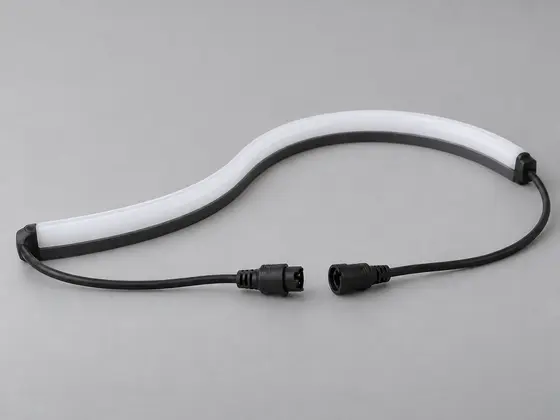
1. Choose a part
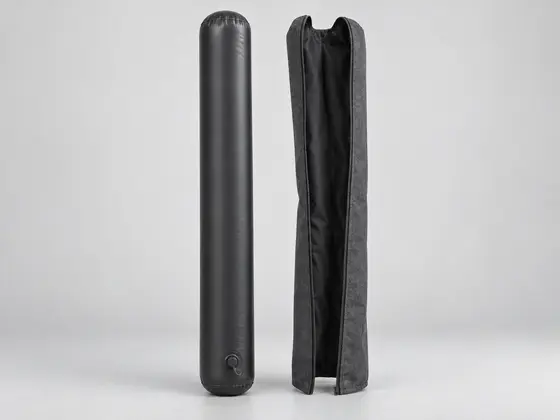
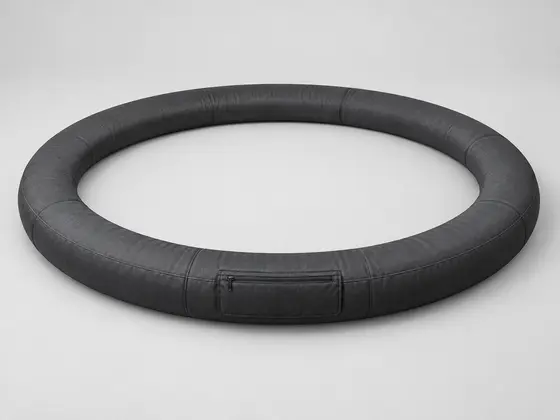
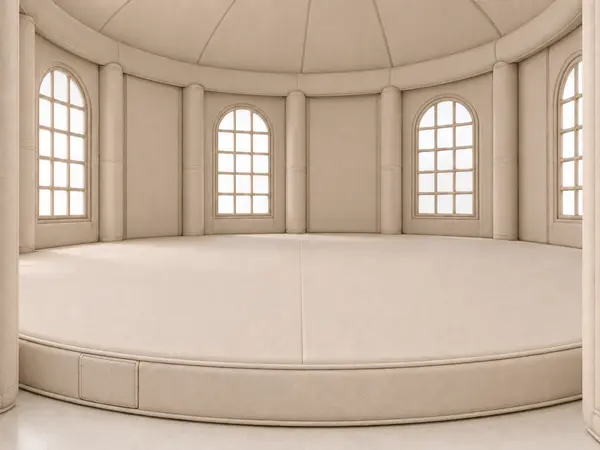
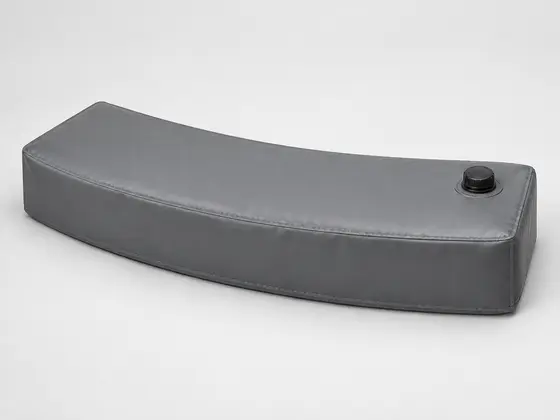
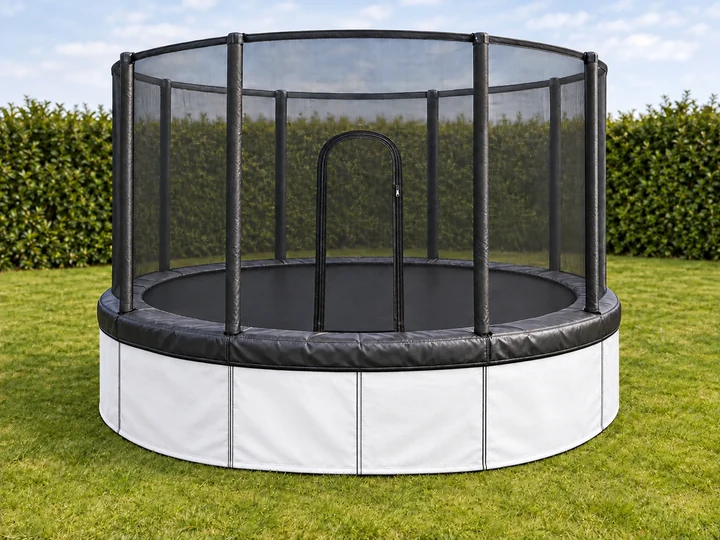
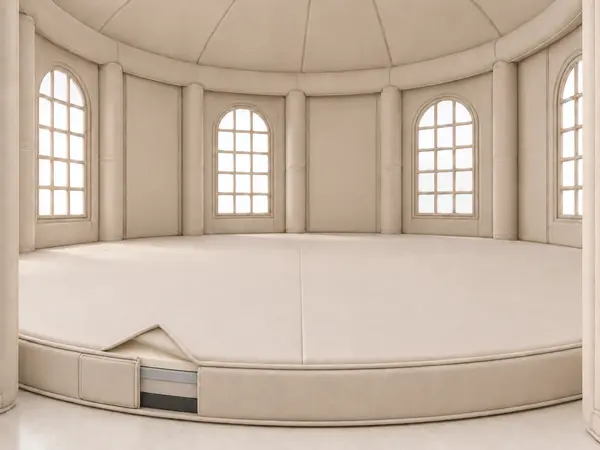
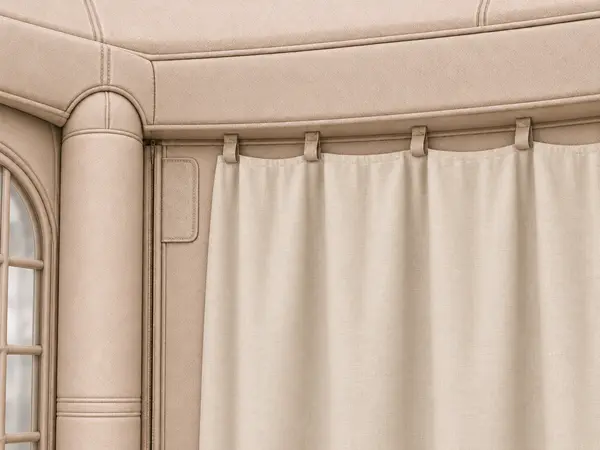
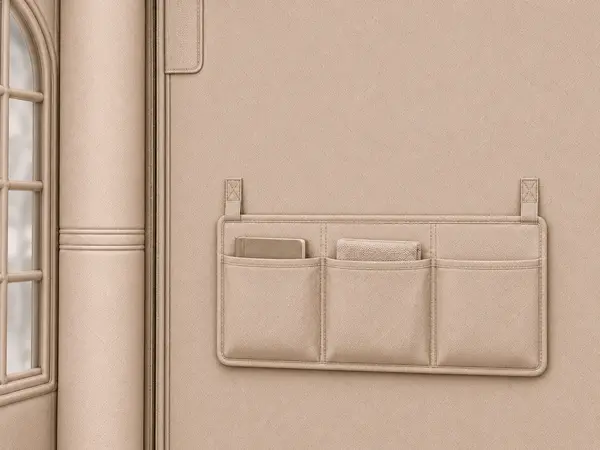
The image shows the component or its installation context. Quantity and whether it is an addition or replacement are recorded separately.
AIRSHELTER / PARTS CATALOGUE
Add individual components or replace a specific part. Choose a component, identify your model and enter dimensions and revision where known.
Illustrated concept catalogue. A selection does not confirm fit or stock availability. Colours and shapes in individual-part images are examples and are not identical for every model.
AIRSHELTER
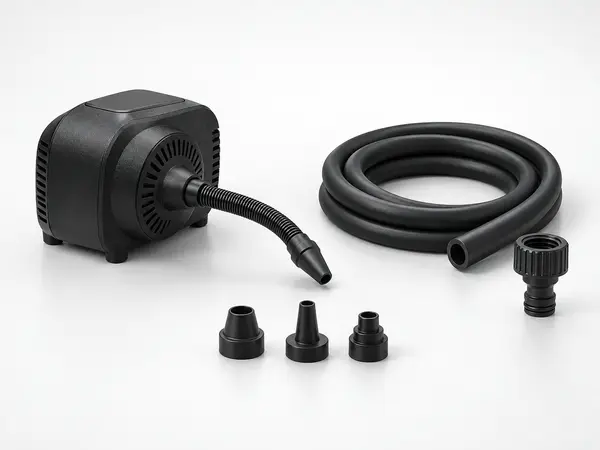
ACCESSORIES FOR AIRSHELTER
Black / White
View model & features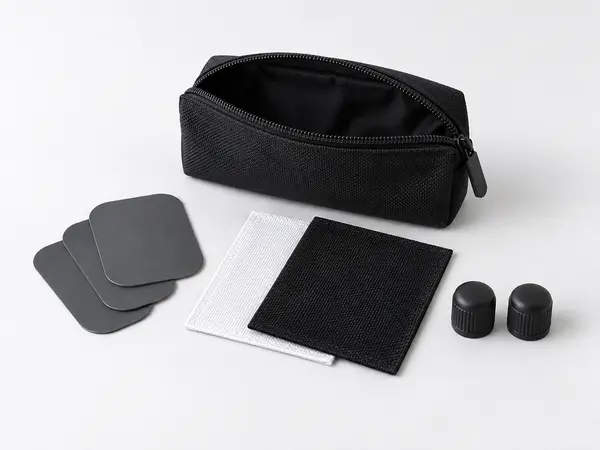
ACCESSORIES FOR AIRSHELTER
Black / White
View model & features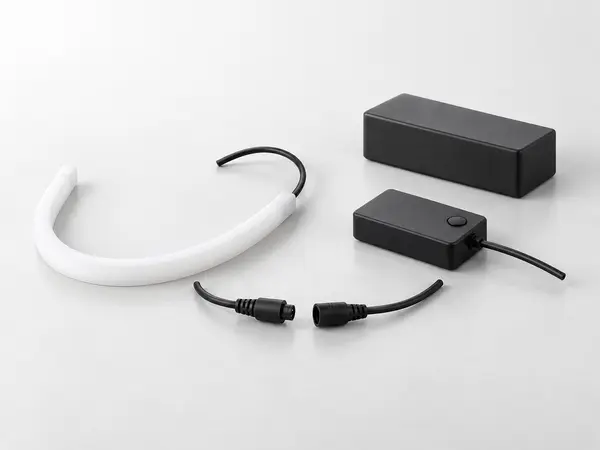
ACCESSORIES FOR AIRSHELTER
Black / White
View model & features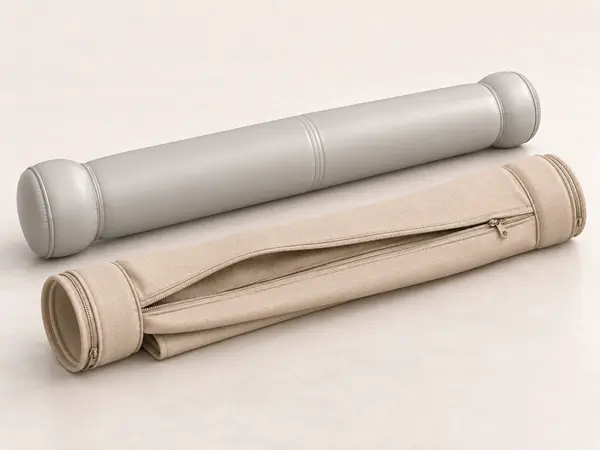
REMOVABLE SHELTER COVER
Matched to the chosen design collection
View model & featuresAIRSHELTER
AIRSHELTER
AIRSHELTER
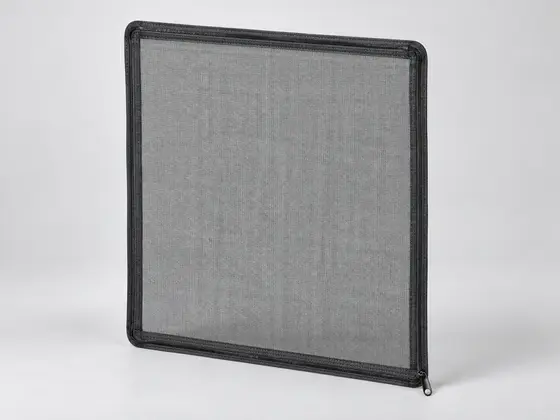
INDIVIDUAL PART / AS-NET
Model- and design-specific
View model & features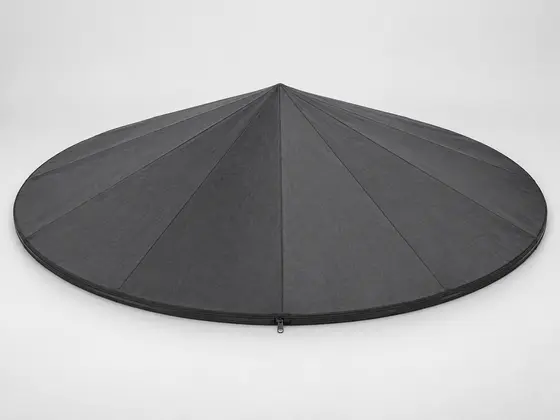
INDIVIDUAL PART / AS-ROOF
Model- and design-specific
View model & features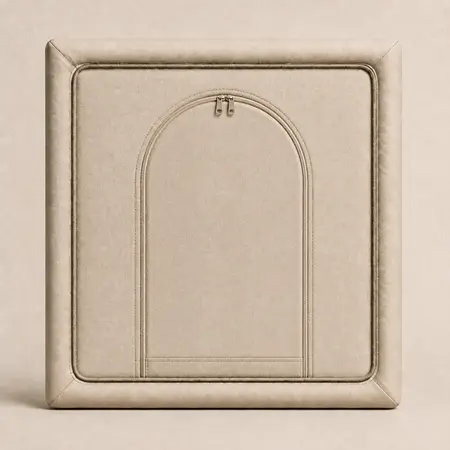
INDIVIDUAL PART / AS-DOOR
Model- and design-specific
View model & features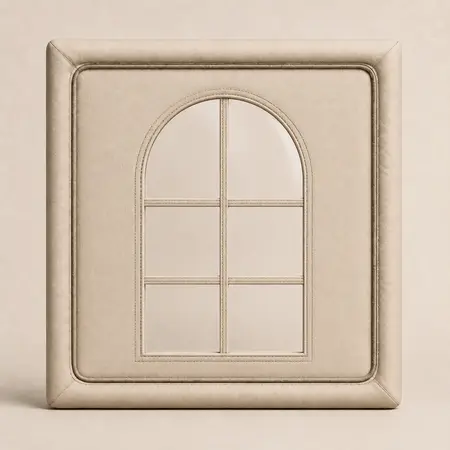
INDIVIDUAL PART / AS-WINDOW
Model- and design-specific
View model & features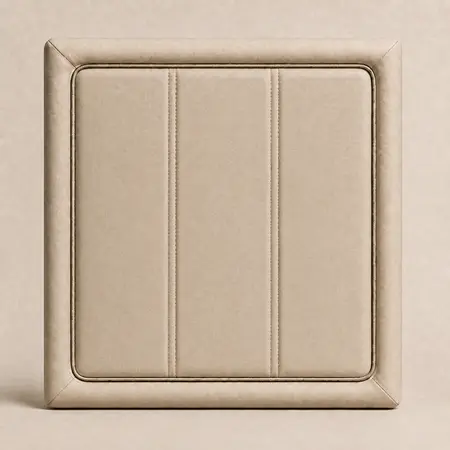
INDIVIDUAL PART / AS-PANEL
Model- and design-specific
View model & features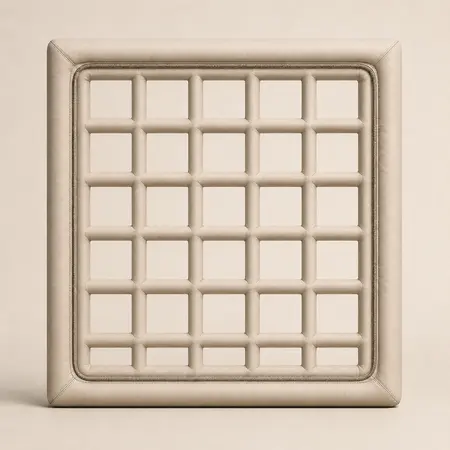
INDIVIDUAL PART / AS-GRID
Model- and design-specific
View model & featuresAIRSHELTER
AIRSHELTER
The image shows the component or its installation context. Quantity and whether it is an addition or replacement are recorded separately.
Model, size family and component revision help with verification. Unknown details are explicitly recorded as open.
Connections, specification, package contents and availability must be confirmed before a quotation. Safety-related work requires approved instructions.